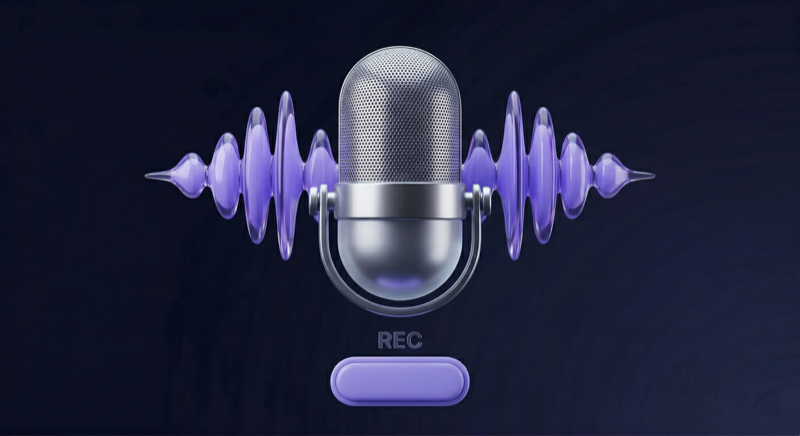
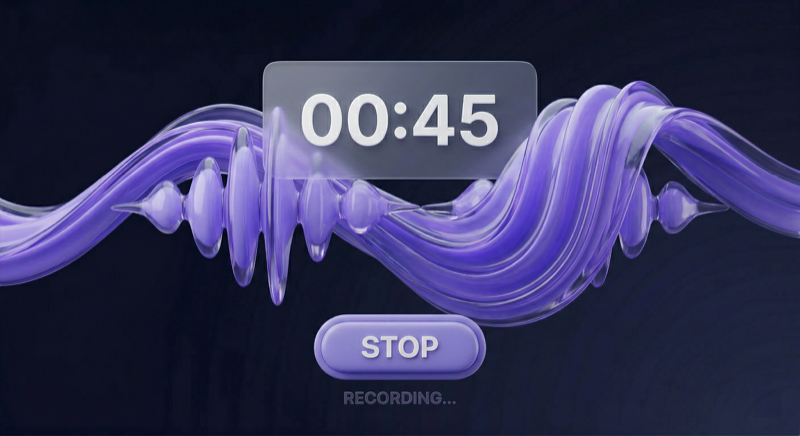
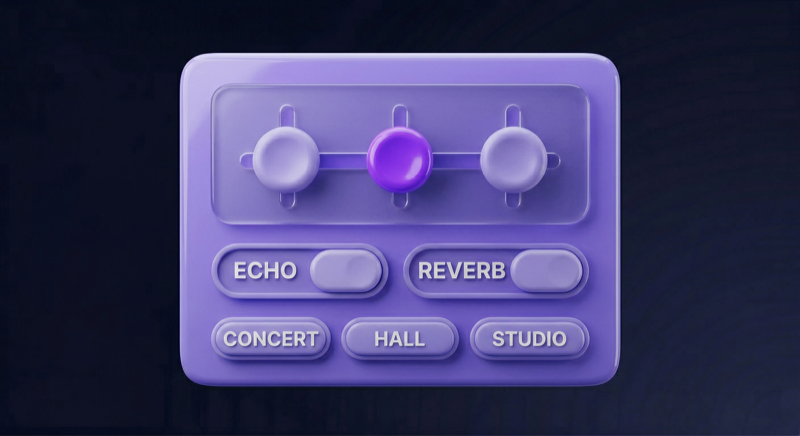
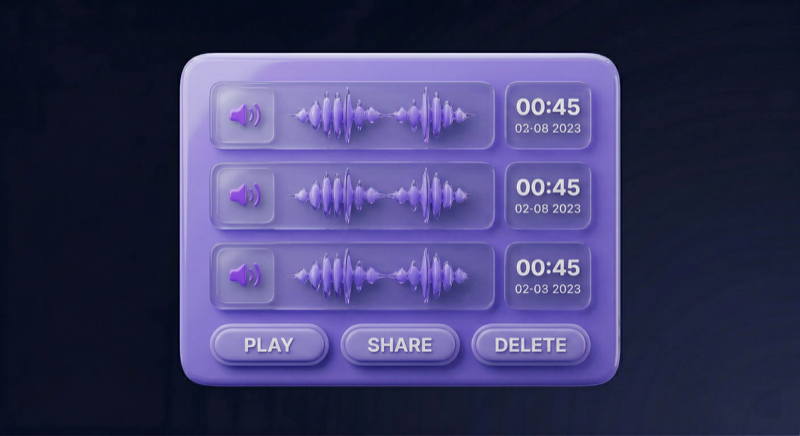
App Screenshots
See Microphone in everyday speaking setups
Key Features
Turn your phone into a wireless microphone in seconds
🎤
Bluetooth Wireless Mic
Connect to any Bluetooth speaker or headset and use your phone as a wireless microphone instantly.
- ✓ No cables needed
- ✓ Works with any Bluetooth speaker
- ✓ Stable wireless connection
🔇
Smart Noise Reduction
AI-powered noise reduction filters out background sounds so your voice comes through clearly.
- ✓ Filters background noise
- ✓ Clear voice output
- ✓ Works in noisy environments
🎙️
Temporary Microphone
Need a mic right now? Your phone is always with you — use it as a temporary microphone for any situation.
- ✓ No extra hardware needed
- ✓ Ready in seconds
- ✓ Always in your pocket
🎙️
Voice Recording
Record your voice with built-in audio recorder. Save meetings, lectures, or personal notes.
- ✓ High-quality recording
- ✓ Save to device
- ✓ Share recordings easily
Common Use Cases
When to use your phone as a wireless microphone
📢
Temporary Mic
Need a microphone right now? Your phone is always with you — connect to a speaker and start talking.
👨🏫
Teaching & Lectures
Project your voice in the classroom without shouting. Connect to classroom speakers via Bluetooth.
💼
Presentations
Business meeting or workshop? Use your phone as a wireless mic for clear audio.
🎙️
Voice Recording
Record meetings, lectures, interviews, or personal notes with the built-in recorder.
🎵
Karaoke & Events
Turn your phone into a wireless mic for parties, karaoke nights, and social gatherings.
🎤
Live Streaming
Use your phone as a backup mic for mobile streaming with Bluetooth audio output.
Technical Specifications
App details and requirements
App Information
| Version | Latest |
| Size | ~15 MB |
| Category | Utilities / Tools |
| Last Updated | January 2026 |
Requirements
| Android | 5.0+ (Lollipop) |
| Permissions | Microphone, Bluetooth |
| Internet | Optional (for ads) |
| Storage | 20 MB recommended |
Audio Specs
| Sample Rate | 44.1 kHz |
| Bit Depth | 16-bit |
| Latency | <50ms (optimized) |
| Bluetooth Range | Up to 10m |
Features
| Recording | ✓ Built-in |
| Noise Reduction | ✓ AI-powered |
| Background Play | ✓ Supported |
| Custom Themes | ✓ Premium |
Microphone Use-Case Hub
Choose a landing page based on your speaking setup and scenario.
Route your voice through compatible Bluetooth speakers or headphones.
Use a karaoke-style setup for casual singing and practice.
Support simple speaking setups for meetings and workshops.
Use compatible speakers for classroom speaking support.
Make everyday speaking setups easier with compatible audio output.
Why Choose Microphone?
Compare with other microphone apps
| Feature |
Power Star
Microphone |
Competitor A |
Competitor B |
| Free Download |
✓ |
✓ |
✗ |
| Bluetooth Support |
✓ |
✓ |
✓ |
| Noise Reduction |
✓ |
✗ |
✓ |
| Adjustable Controls |
✓ |
✗ |
✗ |
| Built-in Recording |
✓ |
✓ |
✗ |
| No Account Required |
✓ |
✗ |
✗ |
| Low Latency |
✓ |
✗ |
✓ |
| Downloads |
5M+ |
2M+ |
1M+ |
What Users Say
Real reviews from Google Play
★★★★★
"Perfect for my presentations! No need to buy a separate microphone anymore. Works great with my Bluetooth speaker."
Michael T.
Business Professional
★★★★★
"Helpful for family gatherings and home announcements. The interface is simple and easy to set up with our speaker."
Lisa K.
Family User
★★★★☆
"Great for karaoke nights! We connect it to our sound system and everyone can sing without cables."
John D.
Party Host
★★★★★
"As a teacher, this app saves my voice. I can reach every student in the classroom without shouting."
Sarah M.
Teacher
★★★★☆
"Noise reduction feature is impressive! Works well even in noisy coffee shops for my video calls."
Alex R.
Remote Worker
★★★★★
"Perfect backup mic for my streaming setup. Quick to set up and reliable connection every time."
Chris P.
Content Creator
Frequently Asked Questions
Common questions about Microphone app
Can Microphone stand in for a professional setup?
No. Microphone is for simple speaking support with compatible speakers or headphones. Results depend on your device, room, connection, and audio output setup.
Can I use it with Bluetooth speakers or headphones?
Yes, when your Android device and Bluetooth audio output are compatible. Bluetooth delay and quality depend on the connection and device setup.
What situations is Microphone useful for?
It can help with everyday speaking support, presentations, teaching, karaoke-style practice, announcements, and simple voice amplification setups.